Skip to main content Create lets you collaborate with teammates in real time as you build your app together. Invite your designer, developer, agency, or anyone else to join your workspace.
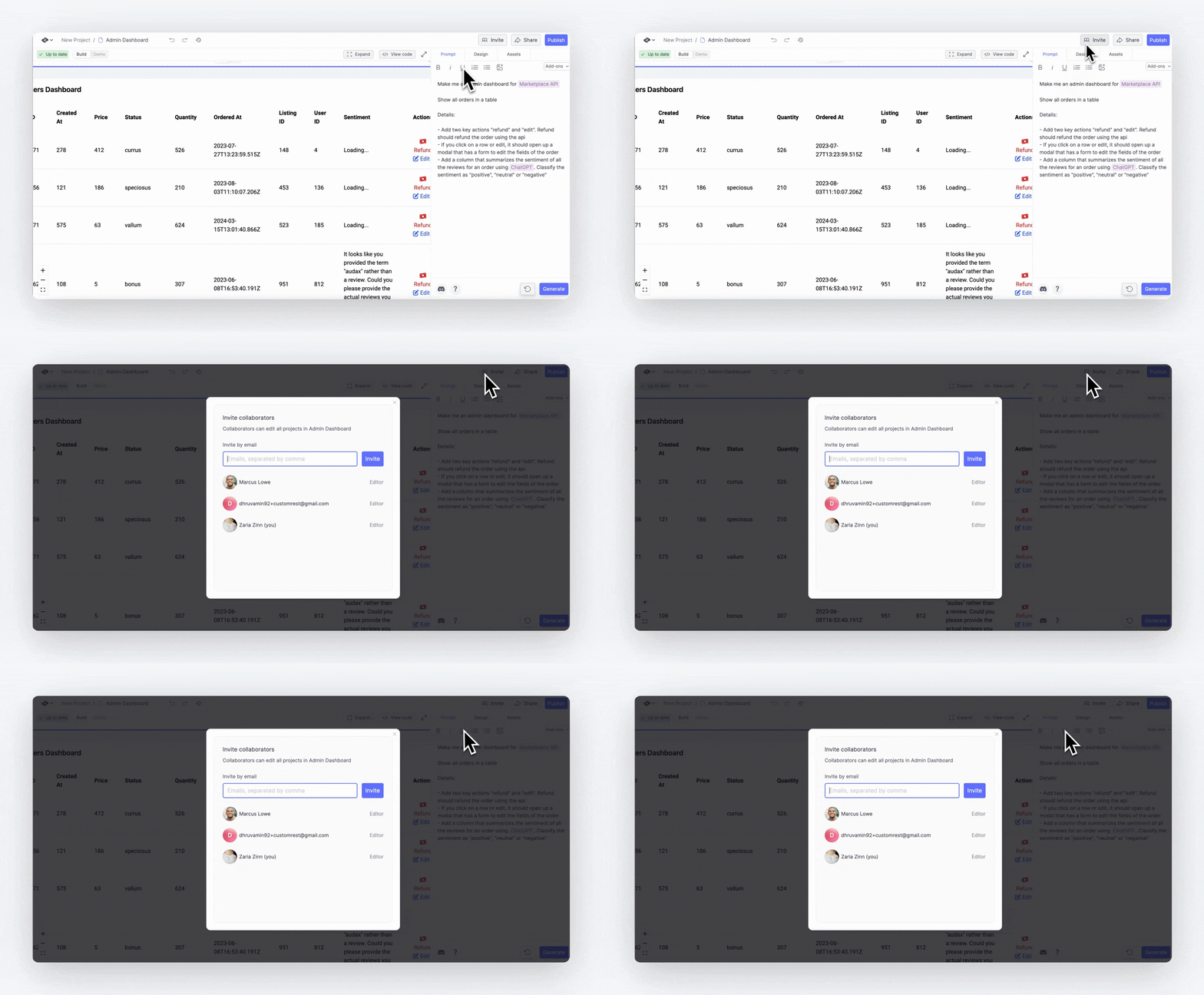
Getting started Invite teammates in two steps:
Click the ‘Invite’ button in a project or from the dashboard
Enter their email addresses to send invitations
When teammates accept their email invitations, they’ll join your workspace and see your projects.
Real-time collaboration When teammates join your project:
See their cursor and changes in real time
Their icon appears in the top right corner
Work together simultaneously on any element
The /build URL from the builder stays private by default. After inviting teammates, you can share this link for direct access.
Managing access
Teammates can access all projects in the workspace
Switch between different teams from the dashboard side panel
Teammates need to accept their email invitation to join